

In recent years, hybrid working has shifted from a temporary adjustment to a permanent reality. As a result, businesses have had to rethink how everyday systems operate outside the traditional office. One area that often gets overlooked is print infrastructure.
However, printing still plays a critical role in many organisations. Contracts, invoices, compliance documents, and internal paperwork have not disappeared. Instead, they now move between office and home environments more than ever before. Therefore, businesses need print systems that remain accessible, secure, and easy to manage.
This is where Mastercopy takes a different approach. By combining secure HP printing technology, intelligent document storage through Docflow, and fully managed IT support, businesses gain a hybrid print environment that simply works. As a result, teams stay productive without increasing risk or complexity.
Key Takeaways
- Hybrid working has permanently changed print requirements.
- Security, accessibility, and control are now essential.
- Mastercopy delivers end-to-end hybrid print solutions.
- HP printers provide built-in malware protection.
- Docflow supports secure document storage and workflows.
Introduction to Hybrid Working Print Solutions
Across the UK, hybrid working has become the standard rather than the exception. Consequently, businesses now expect core systems to function seamlessly both inside and outside the office. Print infrastructure must follow the same principle.
Traditional print setups struggle in this environment. They rely heavily on local networks, unmanaged devices, and manual processes. As a result, businesses face higher costs, increased security risks, and frustrated users.
Mastercopy addresses these challenges by designing hybrid print environments around secure HP hardware, Docflow document management, and proactive IT support. Instead of reacting to problems, businesses gain visibility and control from day one.
Moreover, HP printers are engineered with security built in at firmware level. Each device continuously checks its own integrity and actively protects itself against malware. When combined with HP Secure Print, documents only release when the authorised user is present.
Ultimately, this creates what many businesses aim for but rarely achieve. Technology fades into the background, while staff focus on their work.
Ensuring Security in Hybrid Print Environments
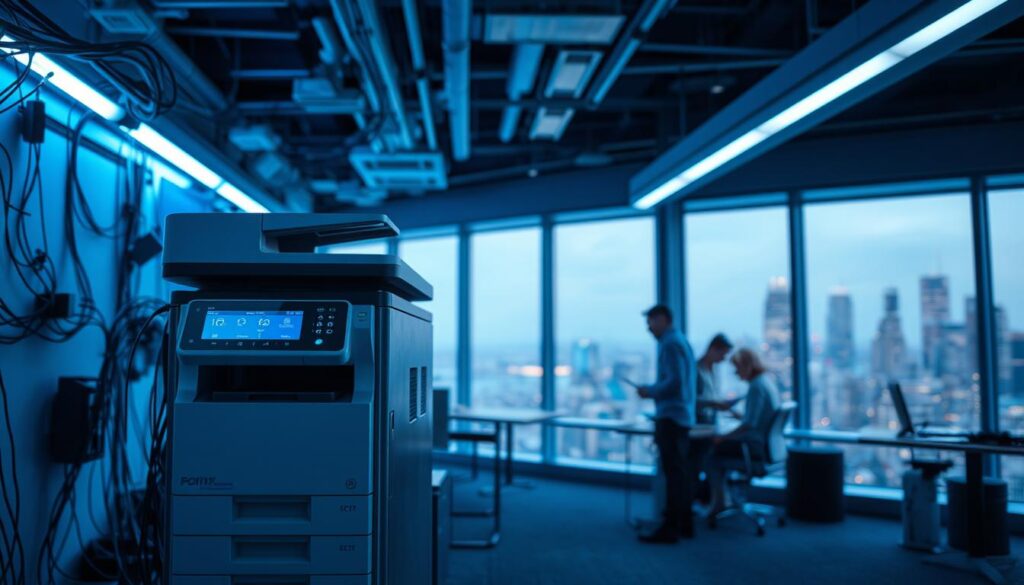
Security has become one of the biggest concerns in hybrid working. Every printer acts as a network endpoint. Therefore, unmanaged devices create unnecessary risk.
Mastercopy reduces this risk by deploying HP printers with built-in malware protection. These devices actively monitor for threats, validate firmware on startup, and automatically recover if tampering occurs. As a result, printers no longer represent a weak point on the network.
In addition, HP Secure Print prevents documents from sitting unattended on output trays. Users authenticate at the device, ensuring sensitive information stays protected.
Authentication Controls and Document Protection
Secure print release places control firmly back with the business. Users only access documents when they physically attend the device. Consequently, accidental data exposure drops significantly.
Protection does not stop at printing. When users scan documents, Docflow stores them securely. Access controls, audit trails, and version history ensure documents remain protected throughout their lifecycle.
Meanwhile, Mastercopy’s IT Support team manages policies, updates, and configurations centrally. This ensures security remains consistent across both office and home environments.
Supporting BYOD Without Losing Control
Hybrid work often involves personal laptops and mobile devices. Rather than allowing unmanaged home printers, Mastercopy enables secure access to centralised HP devices.
As a result, businesses maintain visibility and control without restricting flexibility.
- HP Secure Print for controlled document release.
- Built-in HP malware detection and firmware validation.
- Secure document storage through Docflow.
- Ongoing monitoring by Mastercopy IT Support.
Centralised Print Management for Hybrid Offices
Managing printers across multiple locations becomes far simpler with a centralised approach. Instead of treating home and office devices separately, Mastercopy manages them as a single environment.
This approach provides complete visibility over usage, performance, and security. Consequently, businesses make better decisions and avoid unnecessary costs.
Remote Monitoring and Proactive Support
Remote monitoring allows Mastercopy to identify issues before users report them. Toner levels, faults, and usage patterns remain visible at all times.
As a result, downtime reduces and devices last longer.
Smarter Supply Management
Hybrid working often leads to uncontrolled consumable spend. However, automated supply management ensures devices receive exactly what they need, when they need it.
| Aspect | Centralised Management | Unmanaged Printing |
|---|---|---|
| Cost Control | High | Low |
| Visibility | Complete | Limited |
| Support | Proactive | Reactive |
Cost-Effective Hybrid Printing Solutions
Controlling Print Usage
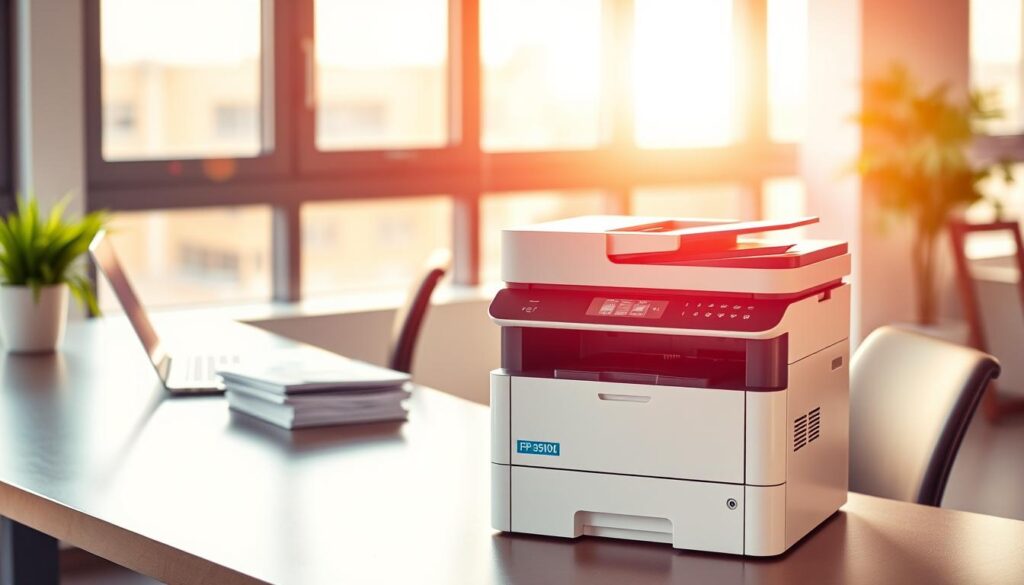
Without visibility, home printing quickly becomes expensive. Therefore, Mastercopy introduces sensible controls such as default duplex printing and usage tracking.
These measures reduce waste while maintaining productivity.
Using Data to Optimise Costs
Detailed reporting highlights exactly where costs sit. Consequently, businesses often identify opportunities to replace printing entirely with digital workflows using Docflow.
Hybrid printing works best when businesses print less, but smarter.
User-Friendly Hybrid Print Solutions
Hybrid printing should never feel complicated. Mastercopy designs systems that feel familiar, regardless of where users work.
Mobile and Remote Printing
HP printers support secure mobile printing from laptops, tablets, and smartphones. As a result, users print without complex setup or driver installations.
Integrated Document Workflows
Printing is only one step. With Docflow, scanned documents store securely, index automatically, and remain accessible to authorised users.
- Print securely from office or home.
- Scan directly into Docflow.
- Reduce duplication and lost paperwork.
- Maintain consistent workflows.
Sustainable Printing Practices for Hybrid Offices
Sustainability now plays a central role in print strategy. HP printers are designed for energy efficiency and reduced waste.
Environmental Features
Energy-efficient HP devices reduce power consumption. Meanwhile, Docflow supports sustainability by replacing unnecessary printing with secure digital storage.
Automated Supply Management
Mastercopy’s automated supply services prevent over-ordering and support responsible recycling. Consequently, businesses reduce waste without sacrificing reliability.
Embracing Hybrid Printing for the Future
Hybrid working is here to stay. Businesses that invest in secure, flexible print and document systems place themselves in a stronger position for the future.
By combining HP’s secure hardware, Docflow document management, and Mastercopy’s IT Support, organisations gain a solution that adapts as working patterns change.
If you are reviewing your hybrid print environment, Mastercopy can assess your current setup and recommend a future-ready solution.