If your office produces drawings, plans, spreadsheets, menus or marketing material alongside everyday paperwork, an A3 device earns its place. HP's A3 range has consolidated considerably over the past couple of years, and the models most UK businesses were buying in 2024 are no longer the right answer in 2026.
This guide covers the HP A3 printers we actually supply and support today, what each one is good at, and how to work out which fits your office. As an HP Amplify partner, Mastercopy places, installs and maintains these devices across Teesside and the North East every week.
A quick word on what counts as A3
A3 paper is 297 x 420mm – exactly twice the size of A4. A true A3 multifunction printer takes that media through its trays and its scanner glass, so it can print, copy and scan at the larger size. Still deciding whether you need A3 at all? Read A3 vs A4 printers: which does your office need first.
This trips people up, because several popular HP office devices look like A3 machines but are not. The HP Colour LaserJet Enterprise MFP 6800 series, for example, is an excellent workhorse but its trays stop at Legal size – it is an A4 device. If you genuinely need A3, the Managed MFP ranges below are where to look.
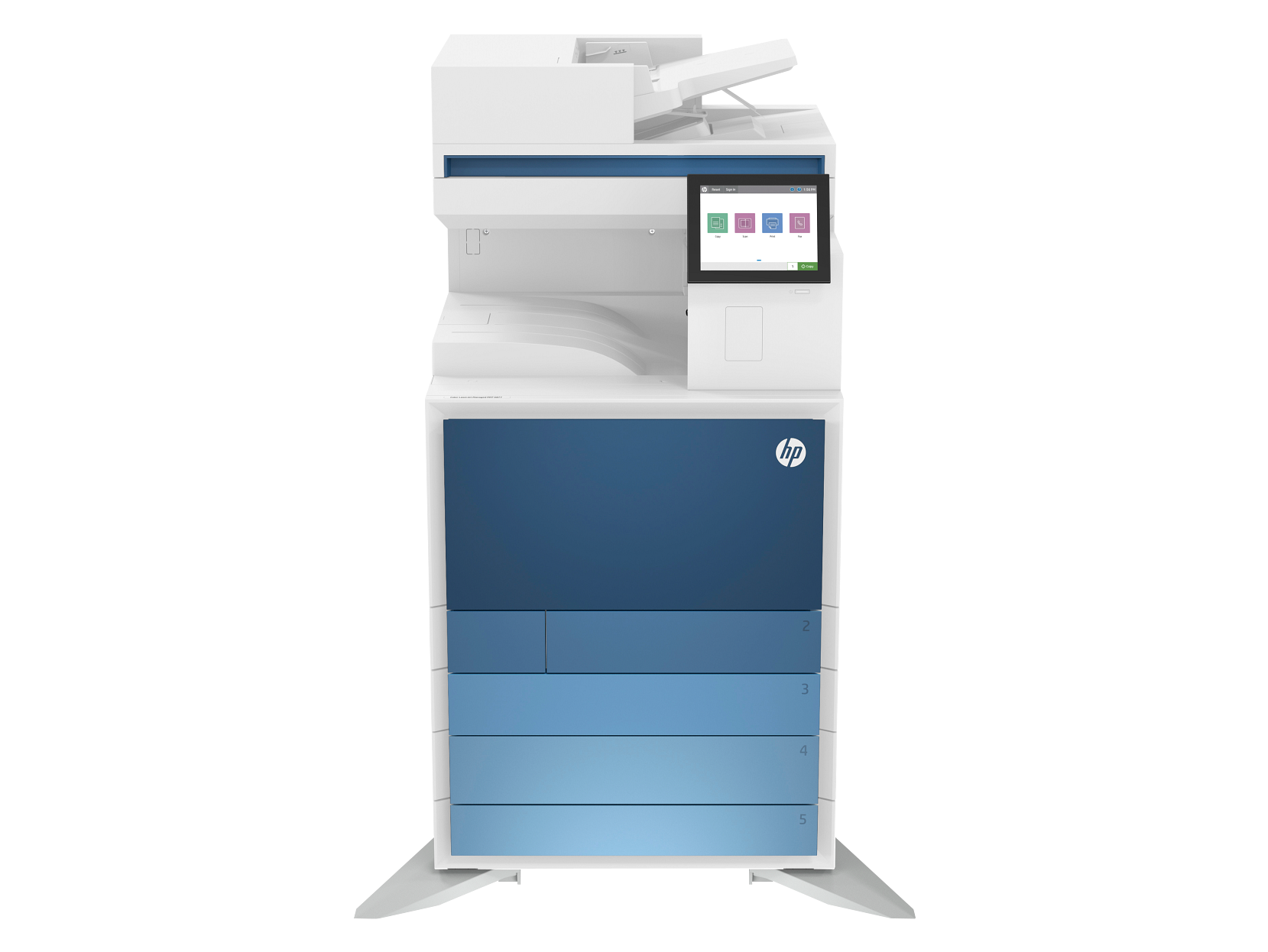
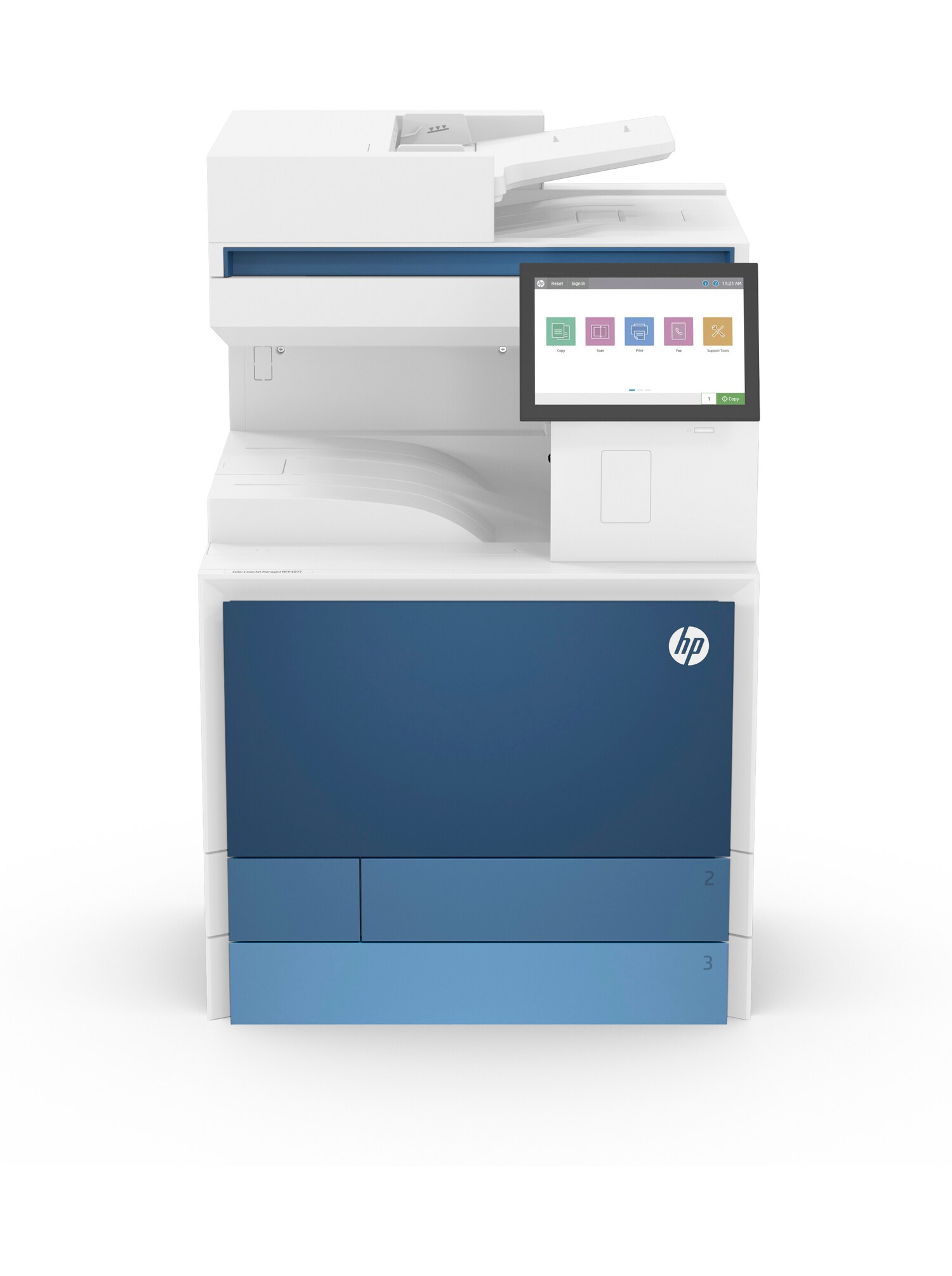
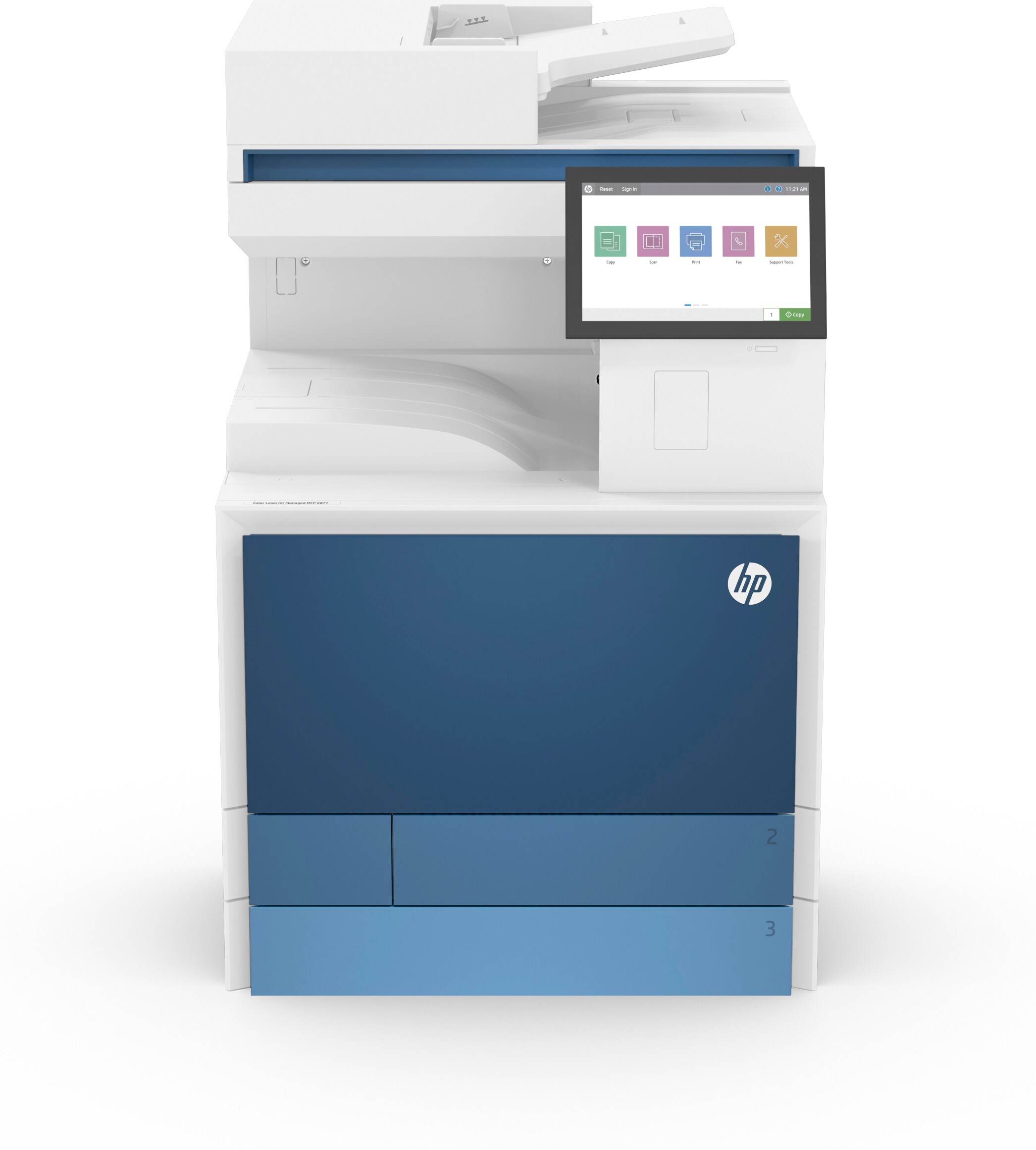
1. HP Colour LaserJet Managed MFP E877 Series – best all-round A3 printer for 2026
The E877 series is HP's flagship A3 colour multifunction range and the device we recommend most often for busy offices. What makes it stand out in 2026 is that it is configurable after installation – speed, panel size, scanning features and finishing can be changed as the business changes, rather than being fixed on the day you order it.
Key features
- Print speed: 40 ppm as standard, upgradeable to 50, 60 or 70 ppm
- Media: full A3 / Ledger print, copy, scan, fax and email
- Scanning: up to 300 ipm duplex
- Resolution: up to 1200 x 1200 dpi in colour and mono
- Security: HP Wolf Enterprise Security built in
- Reliability: Reverse and Retry paper handling detects and clears double feeds before they become jams
Pros
- Speed and features can be upgraded in place as your volumes grow
- Genuinely fast duplex scanning – a real difference for digitisation projects
- Strong energy efficiency compared with competing A3 devices
- The most complete security stack in the A3 class
Cons
- Substantial footprint – you need to plan the space
- Overkill for an office printing only a few thousand pages a month
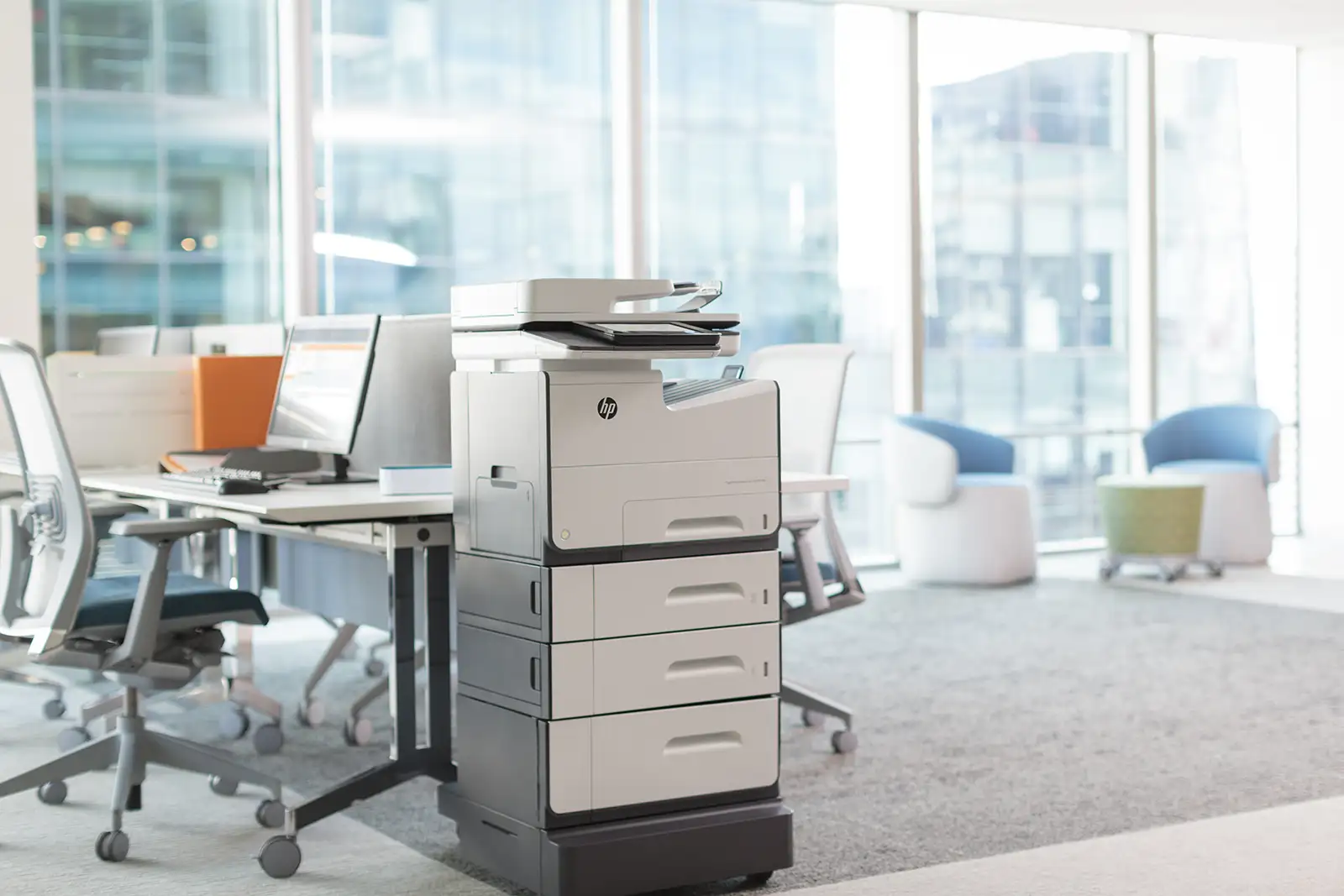
2. HP LaserJet Managed MFP E826 Series – best A3 printer for high-volume mono
If the overwhelming majority of your output is black and white – think legal bundles, engineering drawings, patient paperwork or despatch documentation – the E826 is the economical choice. You are not paying for colour you never use, and the cost per page is markedly lower.
Key features
- Print speed: E82650 at 50 ppm, E82660 at 60 ppm, E82670 at 70 ppm
- Media: full A3 / Ledger support
- Paper capacity: high-capacity input, expandable well beyond the standard trays
- Functions: print, copy and scan, with fax available
- Managed print ready: designed around HP Managed Print Services from the ground up
Pros
- Lowest cost per page of the three ranges
- Built for sustained heavy volume without babysitting
- Large paper capacity means fewer interruptions on long runs
Cons
- Mono only – you will need a separate colour device if you produce any marketing material
- More machine than a small office needs
3. HP Colour LaserJet Managed MFP E786 Series – best A3 printer for small and mid-sized offices
The E786 is the sensible middle ground, and for a lot of the offices we deal with it is the right device. You get full A3 colour and the same managed-print and security foundations as the bigger ranges, in a smaller, more affordable package that suits a team rather than a whole floor.
Key features
- Models: E78625, E78630 and E78635, at 25, 30 and 35 ppm respectively
- Media: full A3 / Ledger print, copy and scan
- Colour: HP ImageREt technology for consistent colour reproduction
- Security: HP Wolf Enterprise Security, including HP Sure Start secure boot
- Expandable trays and finishing options
Pros
- Full A3 colour without the footprint or cost of a flagship device
- Same security and fleet management as the larger models
- Comfortable fit for offices of roughly 10 to 50 people
Cons
- Will feel slow if you regularly send long colour runs
- Less headroom to grow into than the E877
How to choose the right HP A3 printer for your office
In practice the decision comes down to five questions:
- How much A3 do you actually print? If it is genuinely occasional, an A4 device plus an outsourced A3 arrangement may be cheaper. Be honest about the volume.
- Colour or mono? Colour costs more per page. If under a fifth of your output is colour, a mono A3 device alongside a small colour A4 unit often works out better value.
- What is your monthly volume? Match the duty cycle to reality with headroom, not to your busiest ever month.
- What happens after the print? If documents get scanned, filed and searched, scan speed and integration matter more than print speed. Our sister product DocFlow handles that side.
- What does it really cost? The device price is the smaller half. Toner, servicing, parts and energy over three to five years are the number that counts.
Buy, lease or take it as a managed service?
Very few businesses buy A3 multifunction devices outright any more. Most take them on a lease or as part of a managed print agreement, so the hardware, consumables, servicing and support arrive as one predictable monthly figure with no capital outlay.
We have written about this at length elsewhere – see lease, rent or buy a copier in 2026 and what MPS stands for if you want to understand the options before you talk to anyone. It is also worth reading how to avoid hidden printer contract costs, because the trap is almost always in the small print rather than the headline rate.
Security is not optional on an A3 fleet
An A3 multifunction device sits on your network, stores jobs on an internal drive and scans straight into email and cloud folders. It is a computer. HP's Managed ranges ship with HP Wolf Security, which checks firmware integrity at boot, watches for intrusion at runtime and recovers automatically if something is tampered with – the sort of protection that matters more each year.
Choosing for a specific sector? Our printer picks for law firms covers the security, batch printing and confidentiality requirements legal practices ask about, and choosing an HP printer for your business works through the decision more generally.
Frequently Asked Questions
What is an A3 printer?
An A3 printer handles paper up to 297 x 420mm – twice the size of A4. A3 devices print, copy and scan both A3 and A4, so they suit offices that produce drawings, plans, spreadsheets, menus or marketing material alongside everyday documents.
Do HP A3 printers also print A4?
Yes. Every HP A3 multifunction device in this guide prints and scans A4 as standard, and A4 is normally the bulk of the workload. The A3 capability is there for the jobs that need it.
Is the HP Colour LaserJet Enterprise MFP 6800 an A3 printer?
No. The HP Colour LaserJet Enterprise MFP 6800 series is an A4 device – its trays support media up to Legal size. If you need genuine A3 output, look at the HP Managed MFP E877, E826 or E786 ranges instead.
How much does an HP A3 printer cost?
A3 multifunction devices are usually supplied on a lease or managed print agreement rather than bought outright, with a monthly figure that bundles the hardware, toner, servicing and support. The cost depends on speed, colour, finishing options and volume, so speak to Mastercopy on 01642 750404 for a tailored quote.
How secure are HP A3 printers?
HP's Managed MFP ranges include HP Wolf Enterprise Security, with protections such as HP Sure Start secure boot, runtime intrusion detection and whitelisting that check the device firmware and recover automatically if tampering is detected.
Can I expand the paper capacity on an HP A3 MFP?
Yes. All three Managed MFP ranges accept additional input trays and high-capacity feeders, plus finishing options such as stapling, hole punch and booklet making, so the device can be configured around your workload.
Do HP A3 printers scan and copy as well as print?
Yes. The HP A3 machines in this guide are Managed MFPs, which means multifunction: print, scan, copy and fax in one device, with scanning straight to email, network folders or cloud storage. If you are searching for an HP A3 all-in-one or an A3 printer scanner, these are the ranges that do it.
Should you lease or buy an HP A3 printer?
Most UK businesses lease. An A3 multifunction device is a capital purchase that then needs toner, parts and servicing on top, whereas a lease bundles the hardware, consumables and engineer cover into one monthly figure with a known cost per page. Leasing also makes it straightforward to upgrade at the end of term rather than owning ageing hardware.
Let us do the working out for you
Choosing an A3 printer on paper is one thing; knowing how it behaves in a real office after eighteen months is another. Mastercopy has been placing and supporting print fleets across Thornaby, Stockton-on-Tees and the wider North East since 1993, and we will tell you honestly if a cheaper device is the better fit.
To find the right HP A3 printer for your office, call the Mastercopy team on 01642 750404 or email sales@mastercopy.co.uk for expert advice and a tailored quote.